
My Booking by Alla Media
Dedicated subdomain for each partner (e.g. booking.alla-media.com/your-hotel).
On this page, customers can book rooms directly online — with no intermediaries and no extra fees.
Simple and user-friendly interface: Choose stay dates, room type, and number of guests → get the price in real time → confirm instantly.
Live availability: The system automatically blocks the room in the calendar as soon as a booking is made.
Instant confirmation: The customer receives an email (or optional SMS) with the booking code and check-in details.
Room types: description, photos, services, capacity.
Pricing: base, seasonal, or flexible by date.
Policies: cancellations, minimum/maximum nights, tourist taxes.
Bookings: dashboard to view, accept, modify, or cancel reservations.
Reports: sales statistics, occupancy rate, revenue insights.
Cash on arrival (no prepayment, online confirmation only).
Deposit / down payment (e.g. 20% online, remainder at the hotel).
Full online payment (if the hotel enables PayPal/Stripe).
Hotel home page with logo, photos, and Book Now button.
Booking form: stay dates + number of guests.
Results: room types with nightly rates and room details.
Checkout: personal details + payment method.
Instant confirmation: email with QR code or booking code.
Every partner of My Booking by Alla Media benefits from a unique, personalized subdomain tailored to their business.
Example: booking.alla-media.com/your-name

This means your hotel or resort gets its own dedicated page with your brand, logo, and offered services, where customers can easily and securely make online reservations.
Advantages:
Unique identity for each partner
Customized page according to the hotel’s needs
Direct bookings without intermediaries
Secure access 24/7 from any device

With a dedicated subdomain, every hotel appears as a complete online destination, making the customer experience more professional and trustworthy.
Our booking system is designed to give every guest an intuitive, hassle-free experience. The process is simple, clear, and optimized for all devices (phone, tablet, computer).
How does it work?
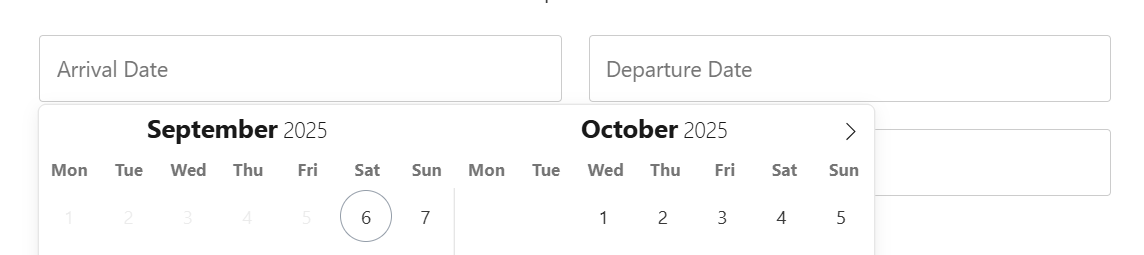
Stay dates – The guest selects check-in and check-out dates through an interactive, easy-to-use calendar.
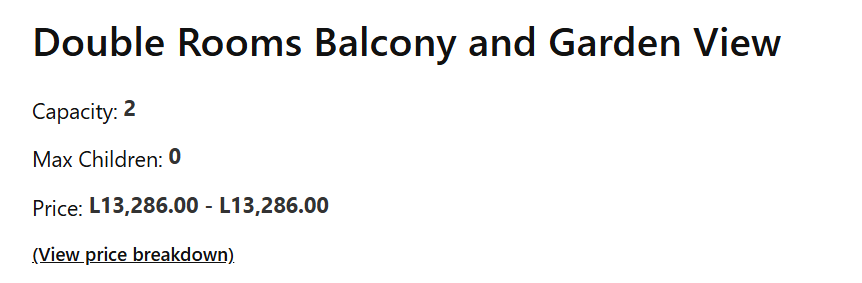
Room type – The system automatically displays all available room categories (Standard, Deluxe, Suite, Family Room, etc.), along with descriptions, photos, and included services.
Number of guests – By selecting adults and children, the system provides the most suitable option according to room capacity.

Real-time pricing – Once the selection is made, the system instantly calculates the total price based on nights of stay, seasonal policies, or special offers.
Booking confirmation – With one click, the guest enters their details and the booking is registered. A confirmation email is sent immediately with all details and the booking code.
Our system ensures smart real-time room availability management.
As soon as a guest makes a booking, the corresponding room is automatically blocked in the calendar, eliminating the risk of double bookings and guaranteeing maximum accuracy.
How does it work?
The guest selects the dates and confirms the reservation.


Advantages:
Complete security — no risk of double bookings.

Clear control over the availability of each room.
Less manual work and more efficiency for hotel staff.
A professional, seamless experience for guests.
The online booking system provides each hotel with full control and flexibility over every aspect of its rooms, pricing, and reservation process. Through an intuitive and user-friendly admin panel, staff can manage all information in real time, ensuring accuracy, transparency, and a professional experience for every guest.
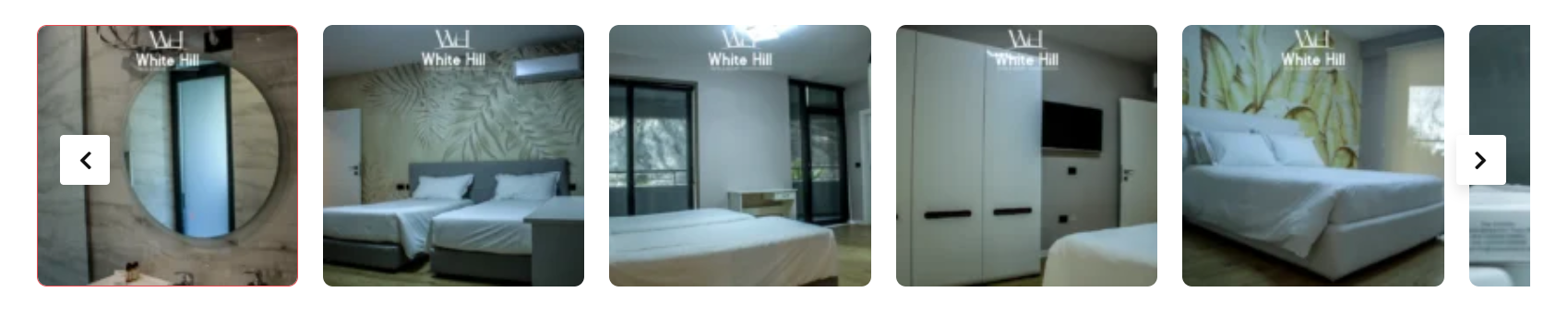
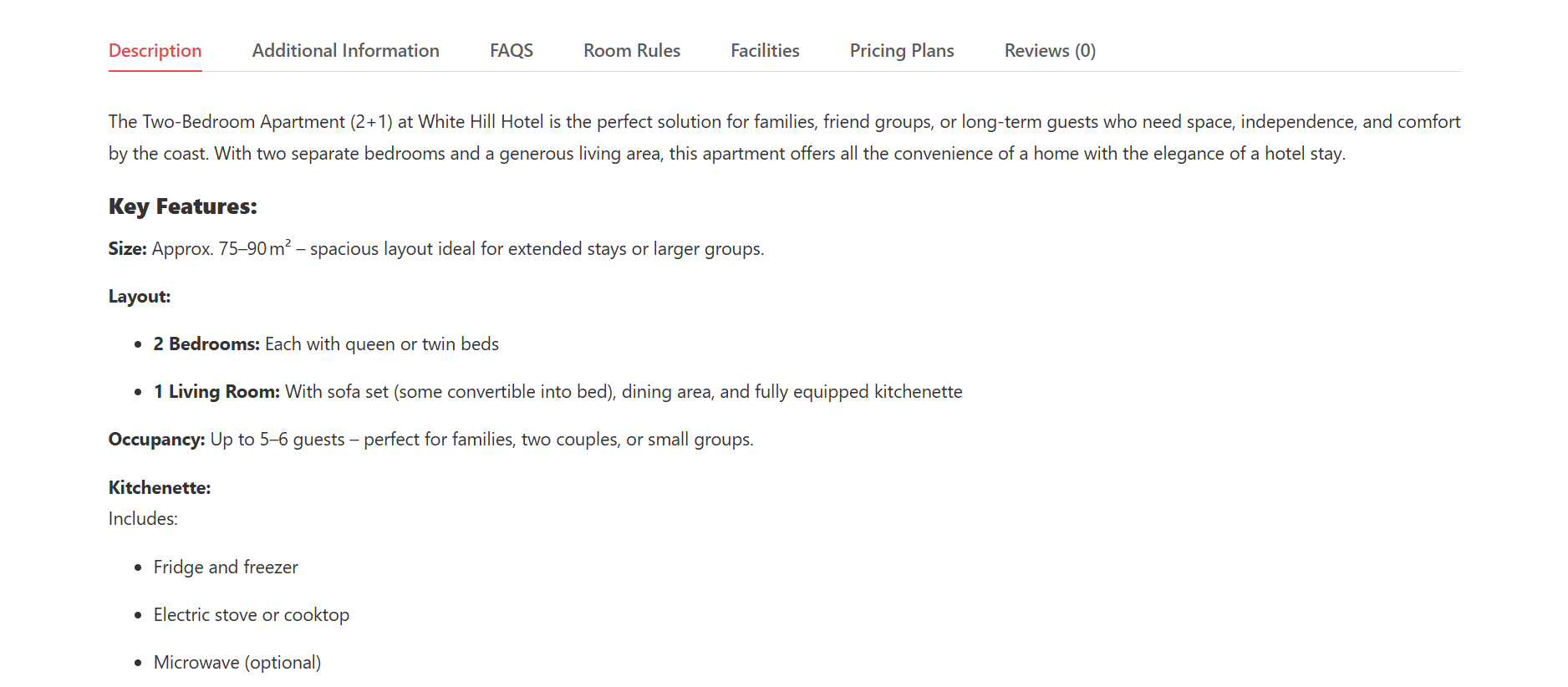
Descriptions – detailed texts for each room category (Standard, Deluxe, Suite, Family, etc.), highlighting features, design, and unique selling points.

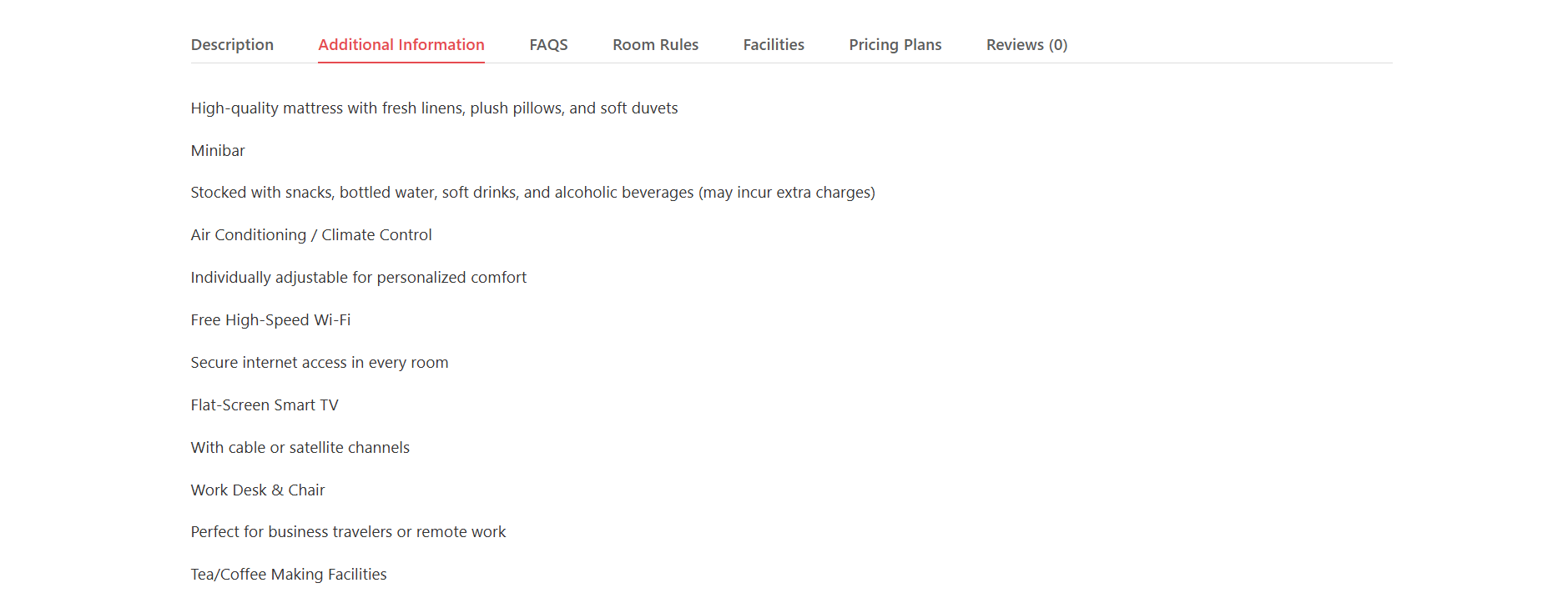
This section provides practical details that complement the main description — including room size, bed types, check-in/check-out times, accessibility options, and any extra services available upon request.
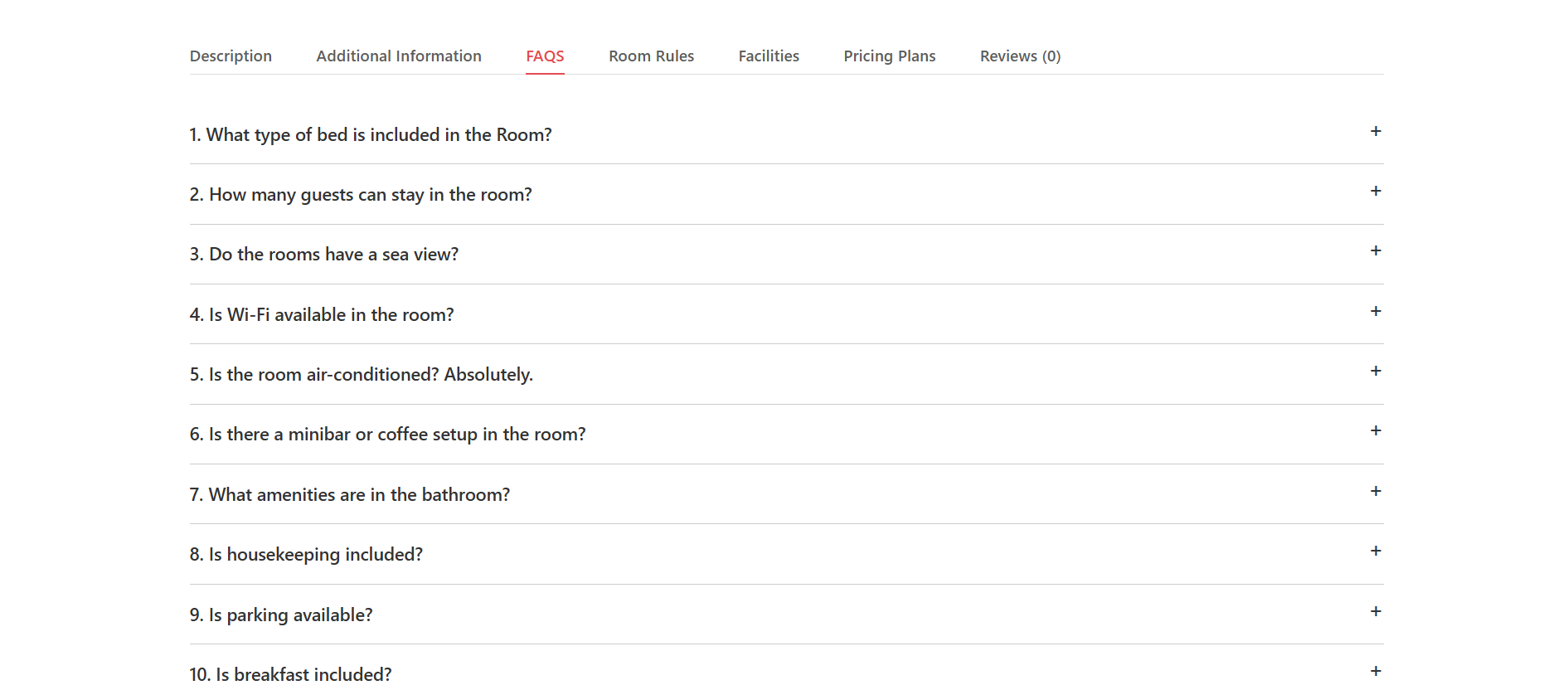
A collection of frequently asked questions to assist guests with quick answers. Topics may include: booking process, payment methods, cancellation policy, and special requests (such as late check-out or baby cots).
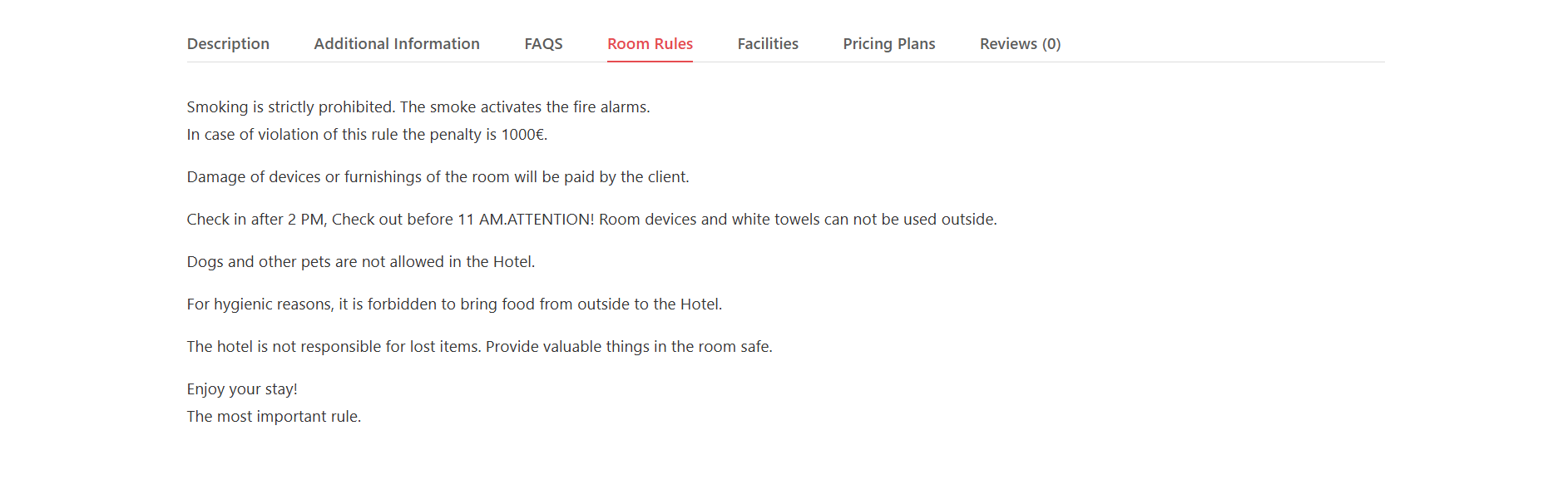
Clear and transparent rules for staying in the room: smoking policy, pet policy, number of guests allowed, noise regulations, and other guidelines to ensure comfort and respect for all guests.
The online booking system provides each hotel with full control and flexibility over every aspect of its rooms, pricing, and reservation process. Through an intuitive and user-friendly admin panel, staff can manage all information in real time, ensuring accuracy, transparency, and a professional experience for every guest.
Descriptions – detailed texts for each room category (Standard, Deluxe, Suite, Family, etc.), highlighting features, design, and unique selling points.
This section provides practical details that complement the main description — including room size, bed types, check-in/check-out times, accessibility options, and any extra services available upon request.
A collection of frequently asked questions to assist guests with quick answers. Topics may include: booking process, payment methods, cancellation policy, and special requests (such as late check-out or baby cots).
Clear and transparent rules for staying in the room: smoking policy, pet policy, number of guests allowed, noise regulations, and other guidelines to ensure comfort and respect for all guests.
On this page, guests can browse through all room categories available: Double, Triple, Suite, Family, Deluxe, Superior, and more. Each category includes photos, a short description, capacity, main amenities, and a starting price per night.
The Rooms page displays all available room categories — Apartments, Double Rooms, Triples, Suites, Duplexes, and more. Each option is presented with:
High-quality photos
Room name and category
Price per night
Quick access to view details or book
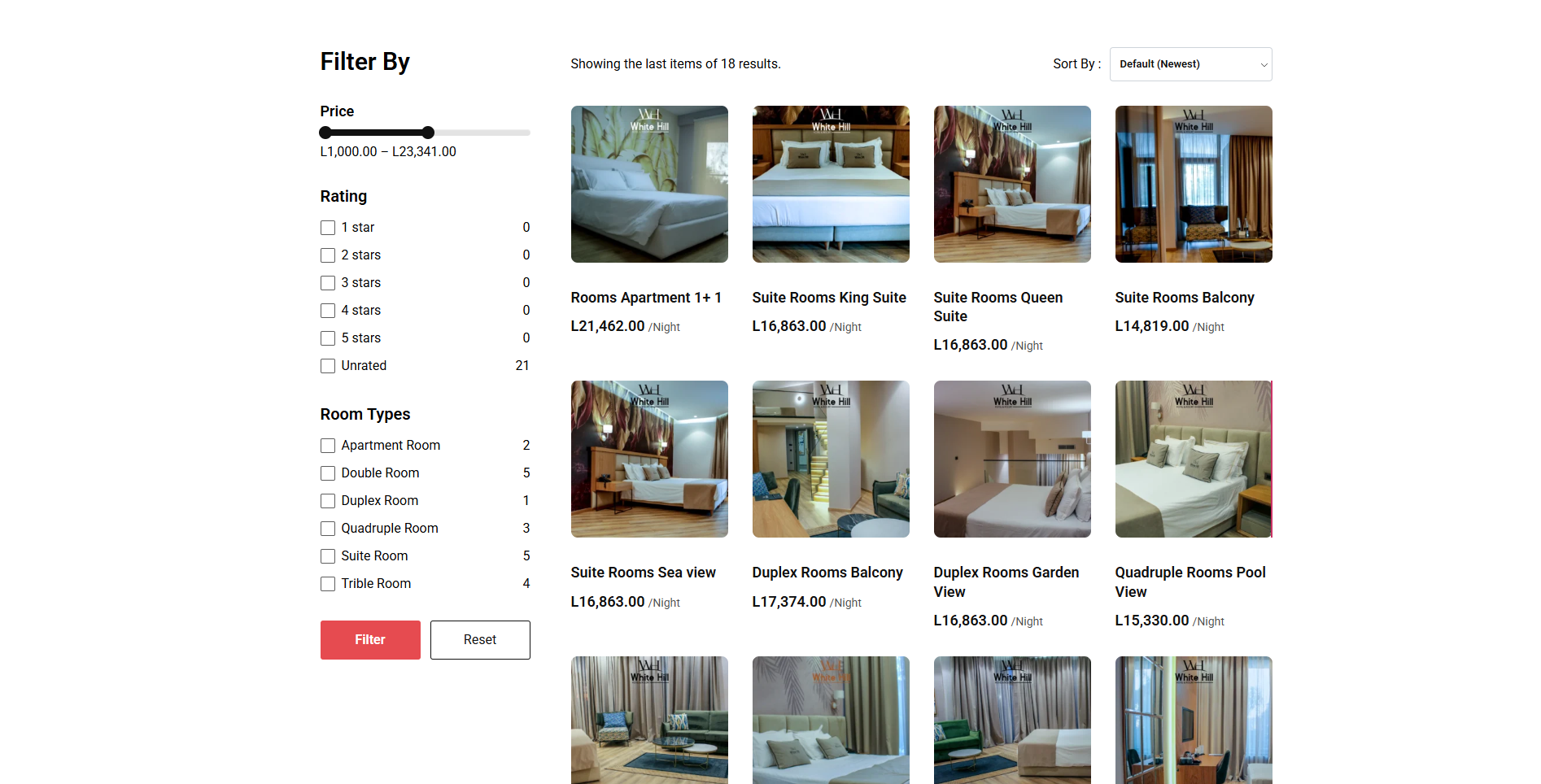
Guests can narrow down their choices using multiple filters:
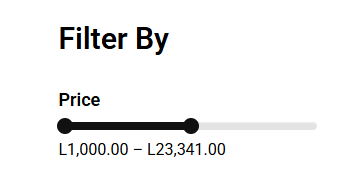
Price range – adjustable slider for budget-friendly or premium rooms.
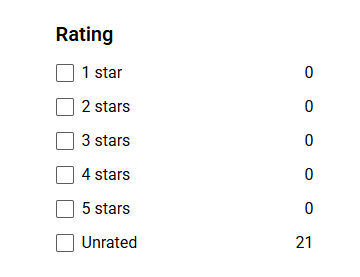
Rating – filter by guest reviews (1–5 stars).
Room types – Apartment, Double, Suite, Duplex, Quadruple, Triple, etc.
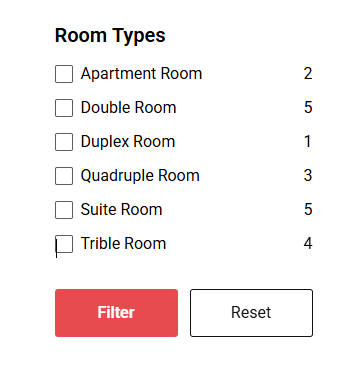
With just one click, the list updates instantly to show only the rooms that match the guest’s preferences.
At the top right, users can sort rooms by:
Newest
Price (Low to High / High to Low)
Best Rated
Simple, fast, and mobile-friendly design.
Transparent pricing displayed per night.
Clear navigation: choose filters → see available rooms → view details → book instantly.
With the Check Availability form, guests can instantly search for rooms that match their travel dates and group size.
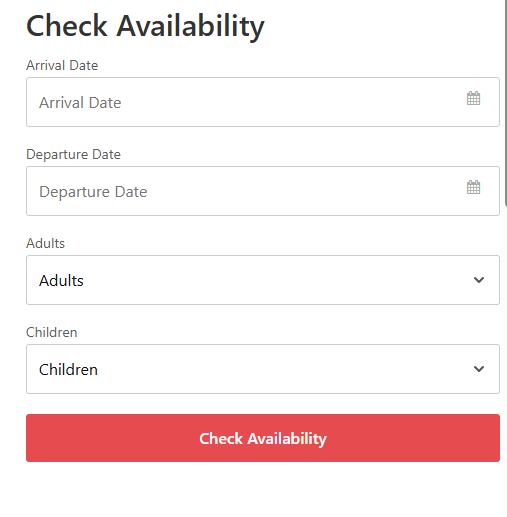
Guests can easily select their stay period using the interactive calendar. By choosing an arrival date and a departure date, the system automatically checks availability and calculates the total cost of the stay.
Specify the number of children included in the booking. The system will automatically adjust availability and recommend only rooms that can accommodate families, including options with extra beds or cribs if offered.
This makes it easier for families to find the most suitable and comfortable rooms.
Once a reservation is made, all booking details are stored in the Account → Bookings section. Guests can easily track their reservations with clear information displayed:
Booking ID – unique reference number for the reservation.
Booking Date – the date when the reservation was created.

Total – the total amount of the booking.
Status – the current status of the booking (e.g., Processing, Confirmed, Canceled).
This gives guests quick access to their reservation information, ensuring transparency and easy management of their stay.
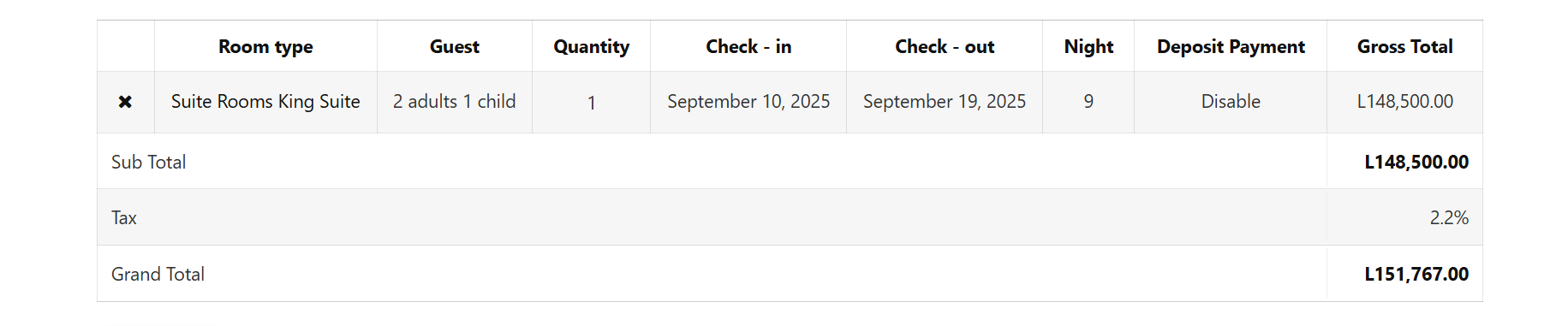
The Cart Page provides guests with a clear summary of their selected reservations before finalizing the booking. It displays all essential details in a structured table:
Room Type – the specific room chosen (e.g., Apartment, Double, Suite).
Guest Information – number of adults and children included.
Quantity – number of rooms reserved.
Check-in & Check-out Dates – the stay period selected by the guest.
Nights – total nights calculated for the stay.
Deposit Payment – shows if a deposit is required or disabled.
Gross Total – the overall cost for the reservation.
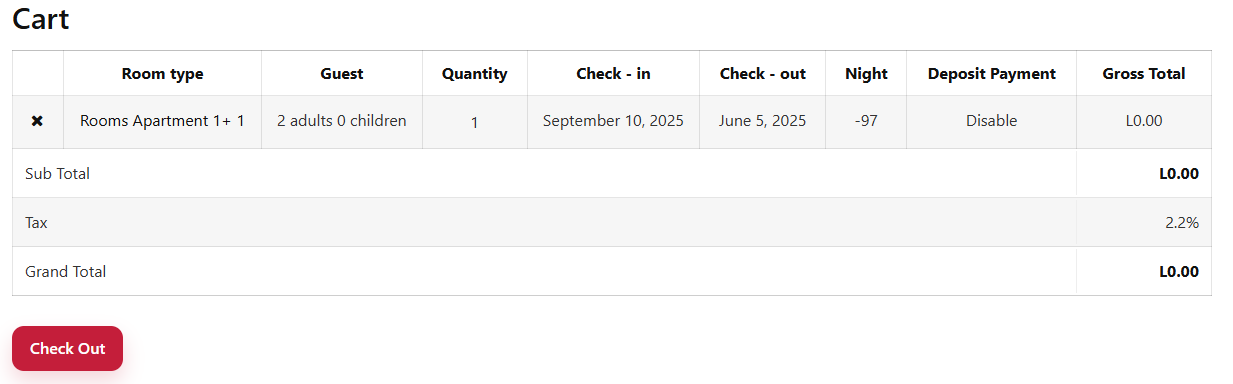
Below the table, guests can see:
Sub Total – the price before taxes.
Tax – applicable VAT or service charges.
Grand Total – the final amount payable.
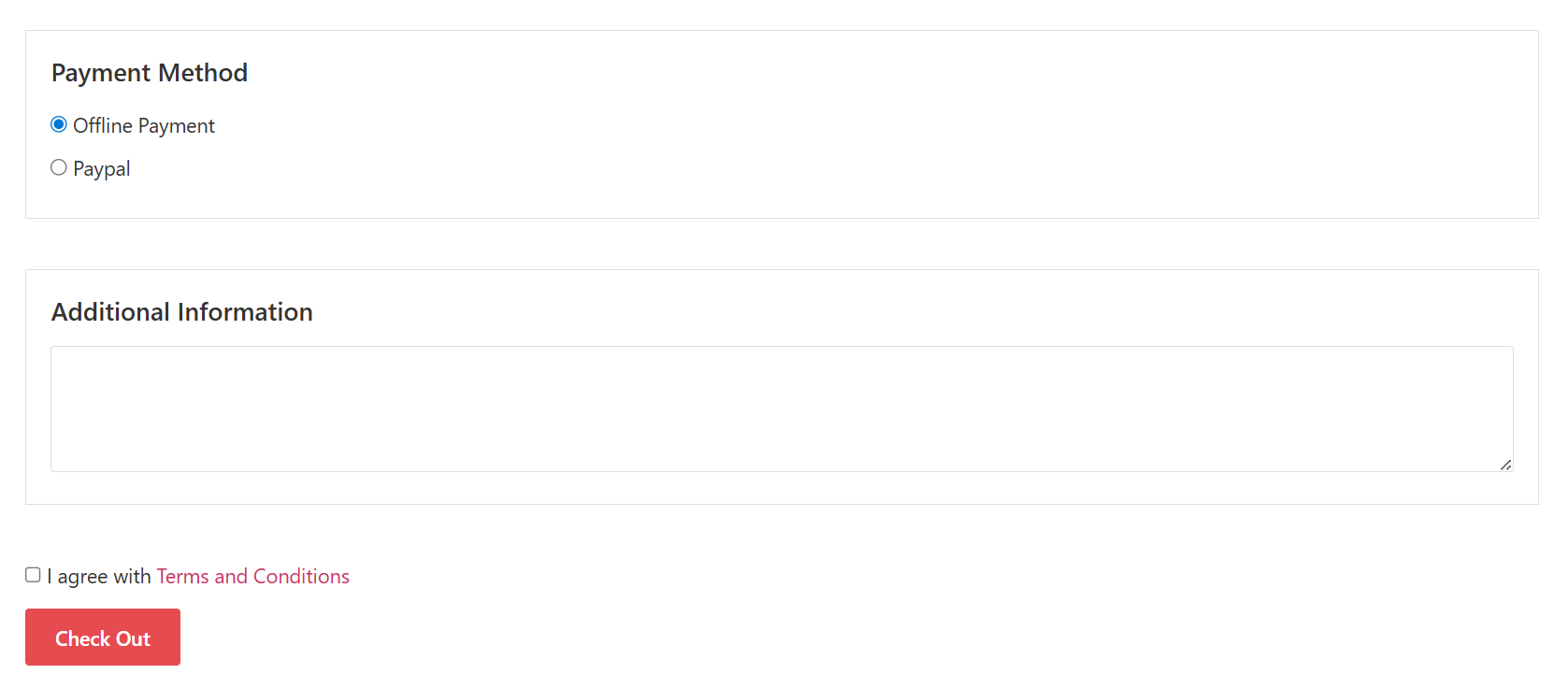
Finally, the guest can proceed by clicking the Check Out button to confirm the booking and enter payment details.
This page ensures transparency and allows guests to double-check their booking information before completing the reservation.